
A personal trainer's bio link needs to do a few jobs: let people book a session, show your programs, prove results, and point to your content. This guide covers what to include, and it is honest about one thing up front: if your business runs on selling programs and taking bookings directly through the page, a links tool is not your whole stack. Here is where each kind of tool fits.
We make Shelfy, a free link organizer. It is great for the "one organized page of all my links" job. It does not take bookings or process program sales, so for that part you will want a dedicated tool. We will be clear about the split.
Be Honest About What You Sell
Trainers monetize in two ways, and they need different tools:
| If you mainly... | You need | Shelfy's role |
|---|---|---|
| Sell programs, plans, coaching directly from the page | A commerce tool (checkout, delivery) | Not a replacement |
| Take bookings for sessions | A booking tool with a calendar | Not a replacement |
| Point people to your booking link, programs, reviews, and content | A clean organized link page | The right tool, free |
If you sell digital programs end to end, a trainer-focused commerce platform (with checkout and a calendar) handles that. Shelfy is for the front door: the single, organized page that routes people to your booking link, your programs, your reviews, and your content. Many trainers run both, using a links page as the hub and a commerce tool behind the "Buy my program" button.
What to Include in a Trainer Bio Link
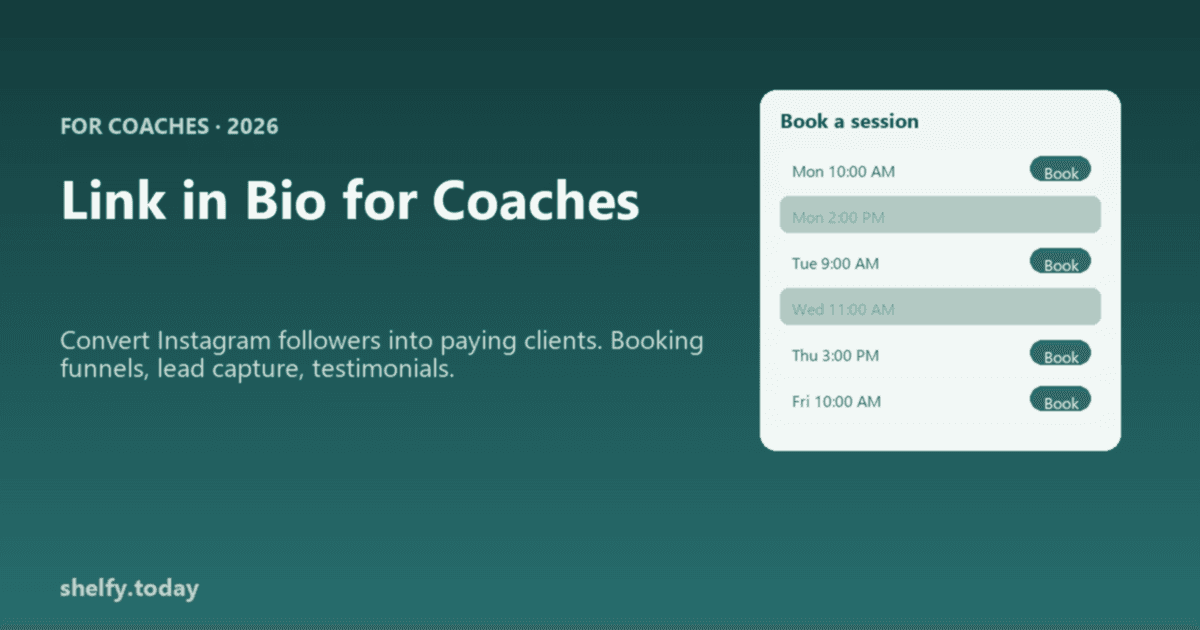
- Book a session or free consult. Your highest-intent action, first.
- Programs and plans. Link to where they buy (your commerce tool).
- Results and reviews. Transformations and testimonials build trust.
- Free value. A workout, a guide, a newsletter signup to capture leads.
- Content. YouTube form-check videos, your best Reels.
- Contact. DM prompt or email.
Keep it to five to seven links, most important first.
How to Organize It Free
With Shelfy you can put all of the above into one page, free forever, with a free custom domain so it looks like your brand. If you serve different audiences (online coaching versus in-person), use separate collections so each group sees the right links. Then point your "Buy" and "Book" links at whatever commerce or scheduling tool you already use.
Curious how many profile visitors it takes to fill your client roster? Our link-in-bio funnel calculator does that math.
FAQ
What should a personal trainer put in their link in bio?
Lead with your highest-intent action, usually book a session or a free consult. Then add your programs, results and reviews, a free value item like a workout or newsletter, your content, and contact. Keep it to five to seven links with the most important first.
Can Shelfy handle booking and selling programs for trainers?
No. Shelfy is a free link organizer with no booking calendar or storefront. For taking bookings or selling programs end to end, use a dedicated scheduling or commerce tool. Shelfy is the organized front-door page that routes people to those tools, which many trainers pair together.
What is the best link in bio setup for a fitness coach?
A hub-and-spoke setup: one clean link page as the hub (free on Shelfy, with a custom domain), pointing to your booking tool, your program checkout, your reviews, and your content. That keeps a single shareable link in your bio while letting purpose-built tools handle payments and scheduling.
Should online and in-person clients see the same bio link?
Often not. If you serve both, use separate collections or sections so online-coaching prospects and local in-person clients each see the relevant booking and program links first. A tool with unlimited collections, like Shelfy on the free plan, makes this easy without a second account.
Further Reading
- Link in Bio for Coaches - The broader coaching playbook
- How to Add Link in Bio on Instagram - Setup and optimization
- Best Link in Bio Tools - Compare platforms, including commerce options
- Link-in-Bio Funnel Calculator - Estimate clients from profile visits