
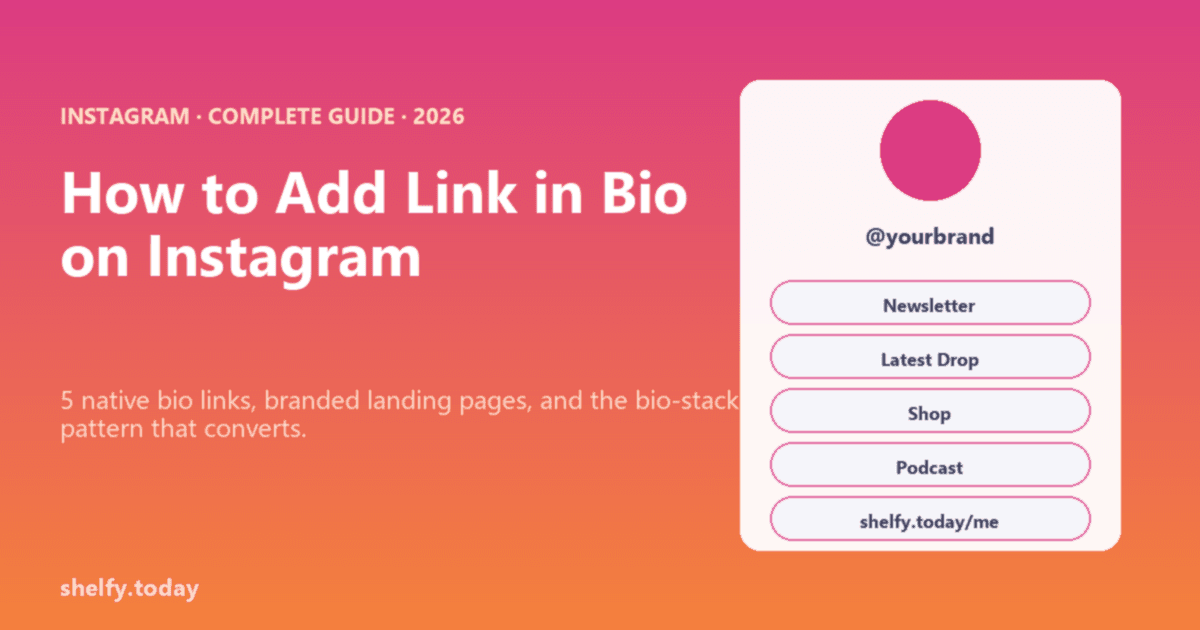
The short answer: Instagram lets you add up to 5 links directly in your bio. To go beyond that, you point one of those slots at a link-in-bio page that holds unlimited links. That is the only way to get more than 5, and it takes about two minutes to set up free. This guide shows the native 5-link method, when it is genuinely enough, and how to break past the cap cleanly.
We make Shelfy, a free link tool, so treat us as biased. The 5-link cap is Instagram's, and we will be honest about when you do not actually need to beat it.
First, the Native 5 Links (Since April 2023)
Instagram added native multi-link support in 2023, and it is stable in 2026. To use it:
- Open the Instagram app (you can only edit links from mobile).
- Tap Edit Profile, then Links.
- Tap Add external link, paste your URL, add an optional title.
- Repeat for up to 5 links total.
The first link gets prime placement; the rest appear when someone taps to expand. So order matters: put your most important destination first.
When 5 Is Actually Enough
Be honest about whether you need more. If you have one newsletter, one shop, one latest post, and a contact, the native 5 covers you, with no third-party tool. The native links are free and load instantly.
The native 5 fall short when you need:
- More than 5 destinations (a creator with shop, podcast, YouTube, newsletter, courses, affiliates).
- Click analytics across links (Instagram gives you none).
- Custom titles, branding, or a polished landing experience.
- The ability to update links without editing your profile each time.
How to Get More Than 5: One Slot, Unlimited Links
The method everyone uses: put a link-in-bio page in one of your 5 slots. That page holds as many links as you want, so effectively your bio link count becomes unlimited.
- Create a free link page (for example with Shelfy) and add all your destinations.
- Copy your page URL.
- Put it in one of your Instagram link slots, labeled clearly ("Everything else", "All my links").
- Use the remaining 4 native slots for your top time-sensitive destinations.
A common 2026 bio stack: native slots for newsletter, current launch, and latest post; then one slot for your link-in-bio page holding everything else. You get the speed of native links for the big three and unlimited depth behind one slot.
With Shelfy specifically, that page is free forever, holds unlimited links, supports a free custom domain, and lets you group links into collections so a long list does not become a wall. You can also reorder or swap links without touching your Instagram profile.
Quick Comparison
| Need | Use |
|---|---|
| 5 or fewer simple links | Instagram native links (free, instant) |
| More than 5 destinations | Link-in-bio page in one slot |
| Click analytics | Link-in-bio tool (native gives none) |
| Branded, organized landing | Link-in-bio tool with custom domain |
FAQ
How many links can you have in an Instagram bio?
Instagram allows up to 5 links directly in your bio, a feature that rolled out in April 2023 and is stable in 2026. The first link gets prime placement and the rest appear when a visitor taps to expand. To go beyond 5, you point one slot at a link-in-bio page that holds unlimited links.
How do I add more than 5 links to my Instagram bio?
Create a link-in-bio page that holds all your destinations, then put that page's URL in one of your 5 native link slots. The page can hold unlimited links, so your effective count becomes unlimited. Use the other 4 slots for your most time-sensitive links and the fifth for the page holding everything else.
Do I need a third-party tool if I only have a few links?
No. If you have 5 or fewer destinations, Instagram's native links cover you for free and load instantly. A link-in-bio tool is worth adding when you need more than 5 links, click analytics, custom branding, or the ability to update links without editing your profile each time.
Is there a free way to get unlimited Instagram bio links?
Yes. Free link-in-bio tools like Shelfy hold unlimited links on the free plan, and you place that one page in a native Instagram slot. Shelfy also includes a free custom domain and lets you group links into collections so a long list stays organized.
Further Reading
- How to Add Link in Bio on Instagram - The complete setup and optimization guide
- Best Link in Bio Tools - Compare platforms for the page in your slot
- Free Link in Bio Tools - Unlimited links at no cost
- Link-in-Bio Funnel Calculator - See what your bio link can earn