
If you're a content creator deciding between Shelfy and Beacons, you've probably noticed the marketing language sounds similar. Both tools promise to organize your links. Both target creators. Both have free plans.
That's where the similarity ends.
Shelfy and Beacons are built for genuinely different creator businesses. Choose the wrong one and you'll either pay for features you don't need or hit a ceiling on features you do.
This is the honest version of that comparison - the one that admits where each tool wins and where each one falls short.
TL;DR - who wins for whom
Choose Beacons if your creator business runs on selling digital products, memberships, or courses directly through your bio link. Beacons is genuinely a monetization platform with a link-in-bio attached.
Choose Shelfy if your creator business runs on curating, organizing, and sharing collections of links - and you want your audience to help shape what gets featured. Shelfy is genuinely a curation platform with link-in-bio capabilities, plus the only voting system in this category.
Choose neither if you need both at production scale - pair Shelfy (free, for the curation and audience-facing collections) with a dedicated commerce platform (for the storefront).
The full reasoning is below.
What each tool actually is
Marketing pages blur the lines, so let's be precise.
Beacons is a creator monetization platform. The link-in-bio is the front door, but the business is in the storefront, email marketing, AI tools, and brand-deal infrastructure underneath. Beacons makes most of its money from creators who sell digital products and pay transaction fees - or upgrade to a paid plan to remove them.
Shelfy is a link curation platform. Collections are the core unit, voting is the differentiator, and the link-in-bio is one of several use cases. Shelfy is free forever because it doesn't take transaction fees and doesn't run a storefront - different business model, different product DNA.
This matters because comparing them feature-by-feature without understanding the foundation produces a misleading scorecard.
Where Beacons genuinely wins
Let's start here, because it's the most honest place to start.
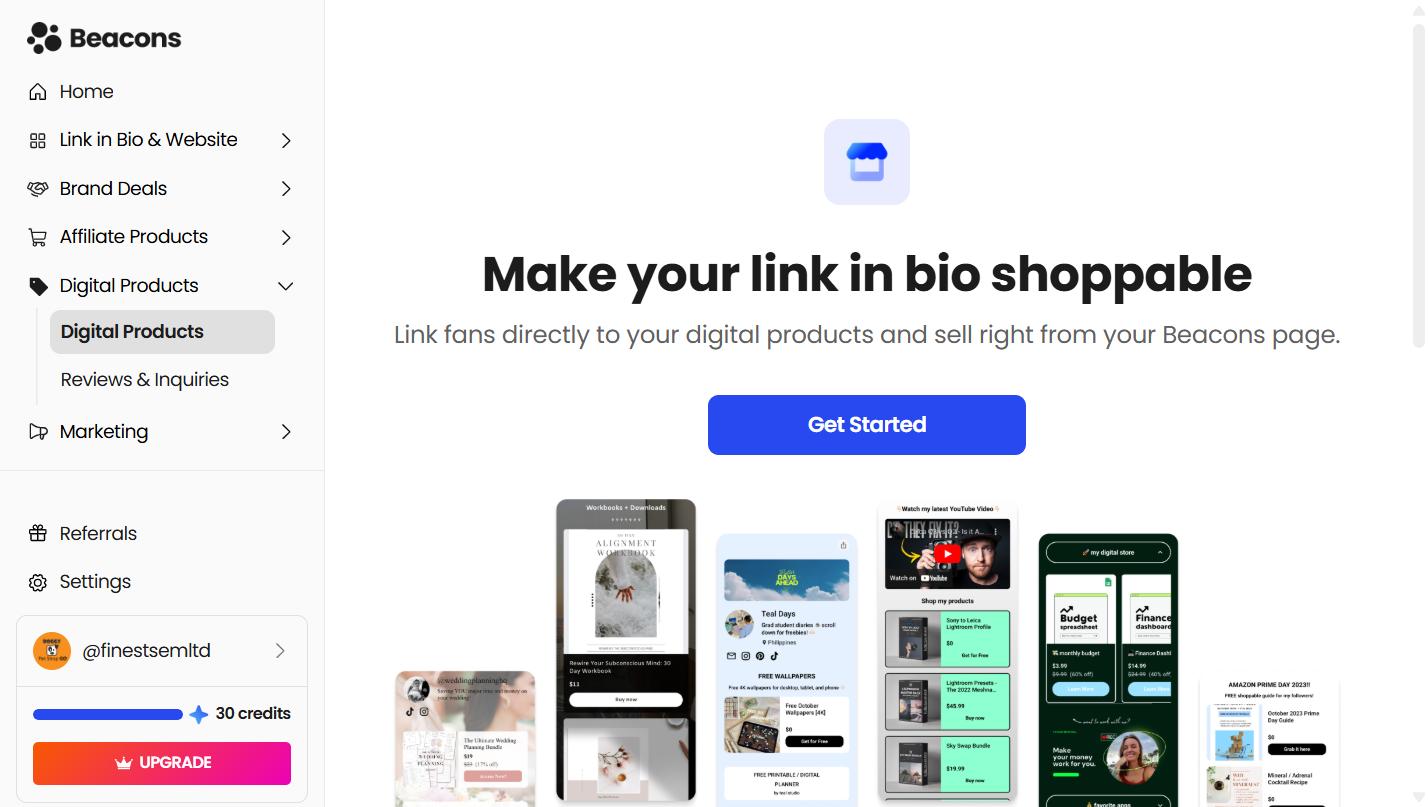
Selling digital products from your bio link. Beacons has a real storefront - products, checkout, BNPL options on Creator Plus, order bumps, custom product URLs. If you're selling ebooks, templates, presets, or courses directly to your audience, Beacons is built for that workflow end-to-end. Shelfy is not.
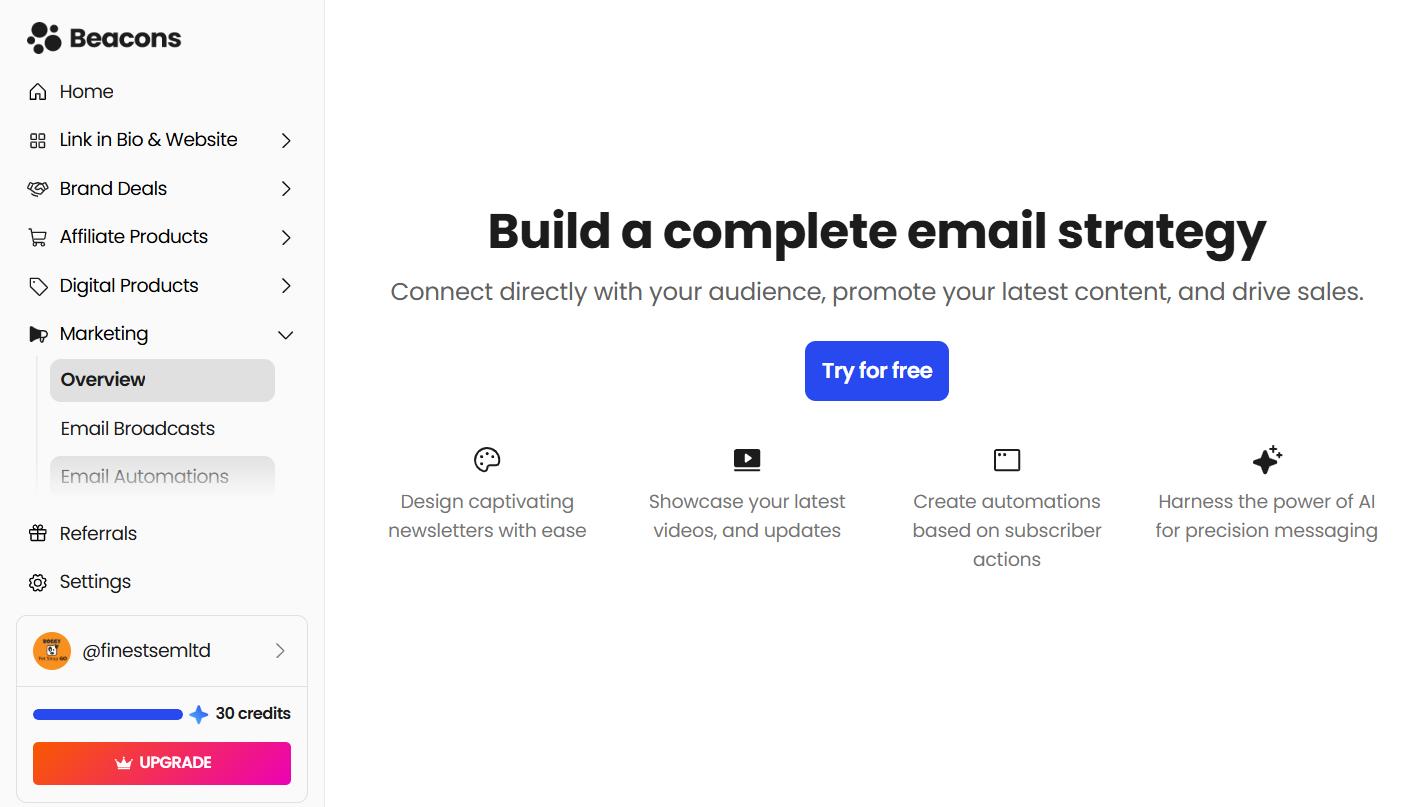
Email marketing built into the platform. Beacons includes email sends on every plan (50/month free, 500 on Creator, unlimited on Creator Plus). For creators who want one tool instead of Beacons-plus-ConvertKit-plus-Mailchimp, that's real consolidation.
AI tools for creators. Beacons has invested heavily in AI features - content generation, brand outreach automation, audience insights via their "Beam" assistant. Whether the AI is genuinely useful or AI-as-marketing varies by feature, but the surface area is real.
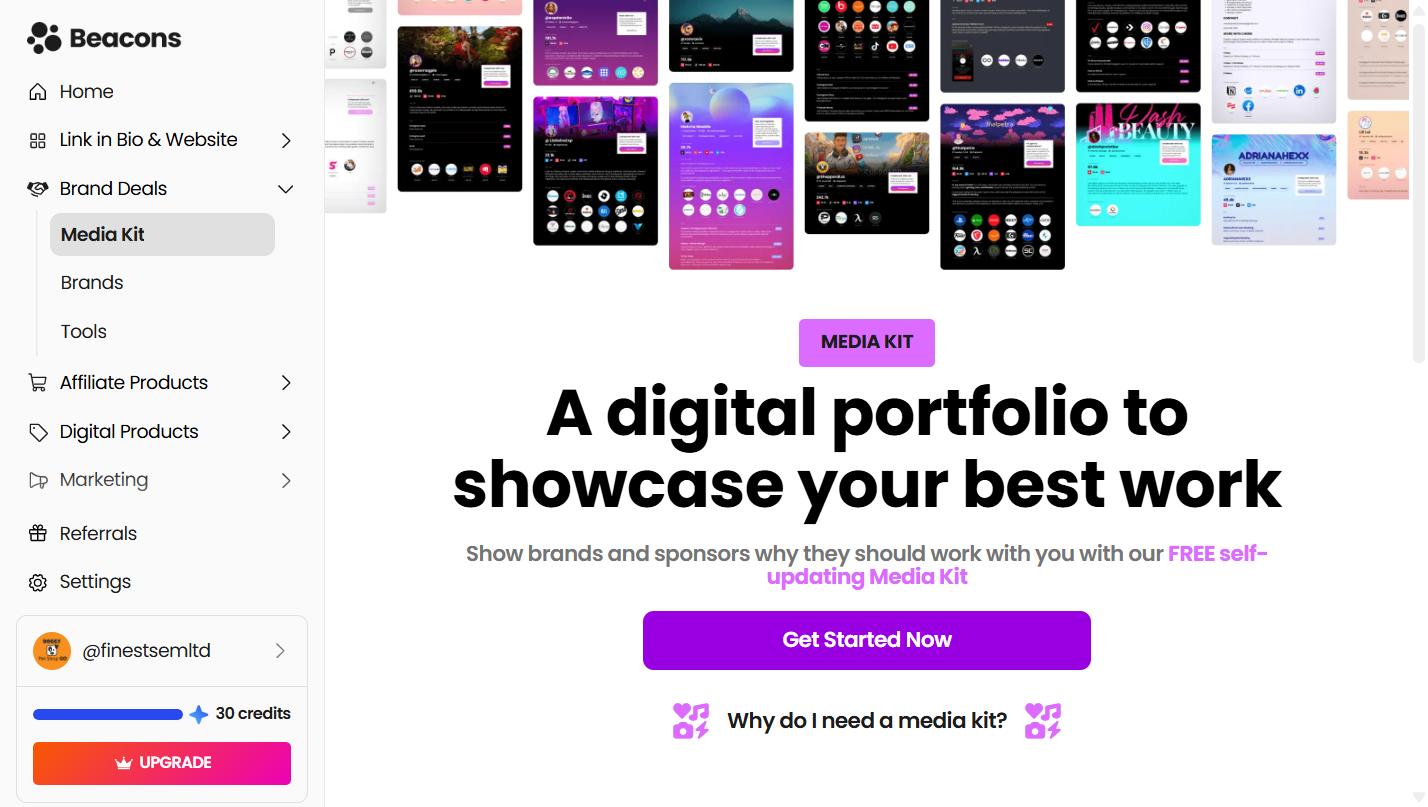
Media kit for brand deals. Beacons auto-generates a media kit from your audience data. If you pitch brands regularly, that's a workflow Shelfy doesn't address at all.
Membership and course delivery. On Creator Plus ($30/month), Beacons handles multi-module courses and membership content. If you're running a paid community or a course, this is core infrastructure.
If any of those describe your business, Beacons is probably the right choice and you can stop reading.
Where Shelfy wins
Now the other side.
Free forever, every feature included. Not a freemium funnel - the full feature set is free. Unlimited collections, unlimited links, custom domains, the API, team collaboration, the Chrome extension. Beacons' free plan caps at 5 link-in-bio pages and charges a 9% transaction fee on any sales. Shelfy's free plan is the actual product.
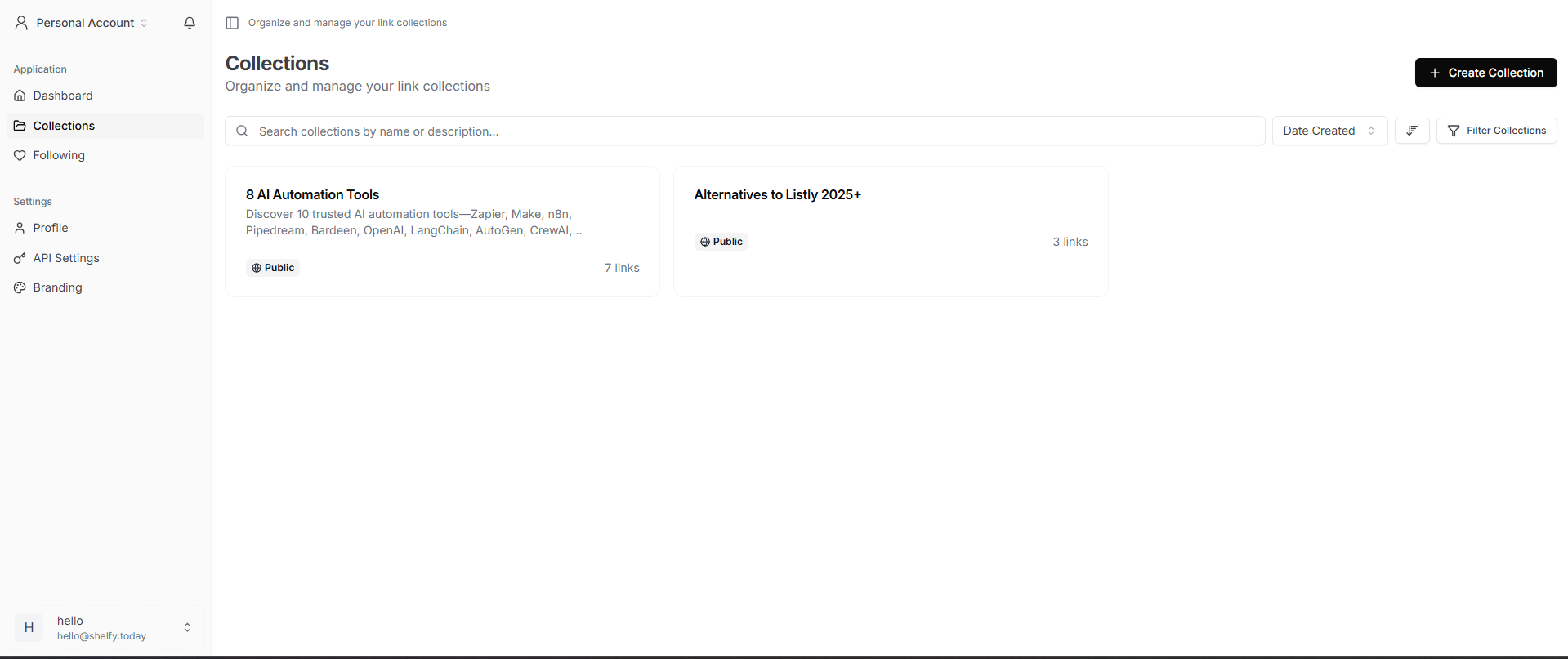
Community voting on link collections. This is the feature no other tool in the category has. Visitors upvote the links they value most, and your collection re-orders to surface what your audience actually finds useful. For curators, newsletter operators, recommendation-driven creators, and anyone whose value is "I find the good stuff" - this changes what your bio link does. It's no longer a static list of buttons; it's a living, audience-shaped resource.
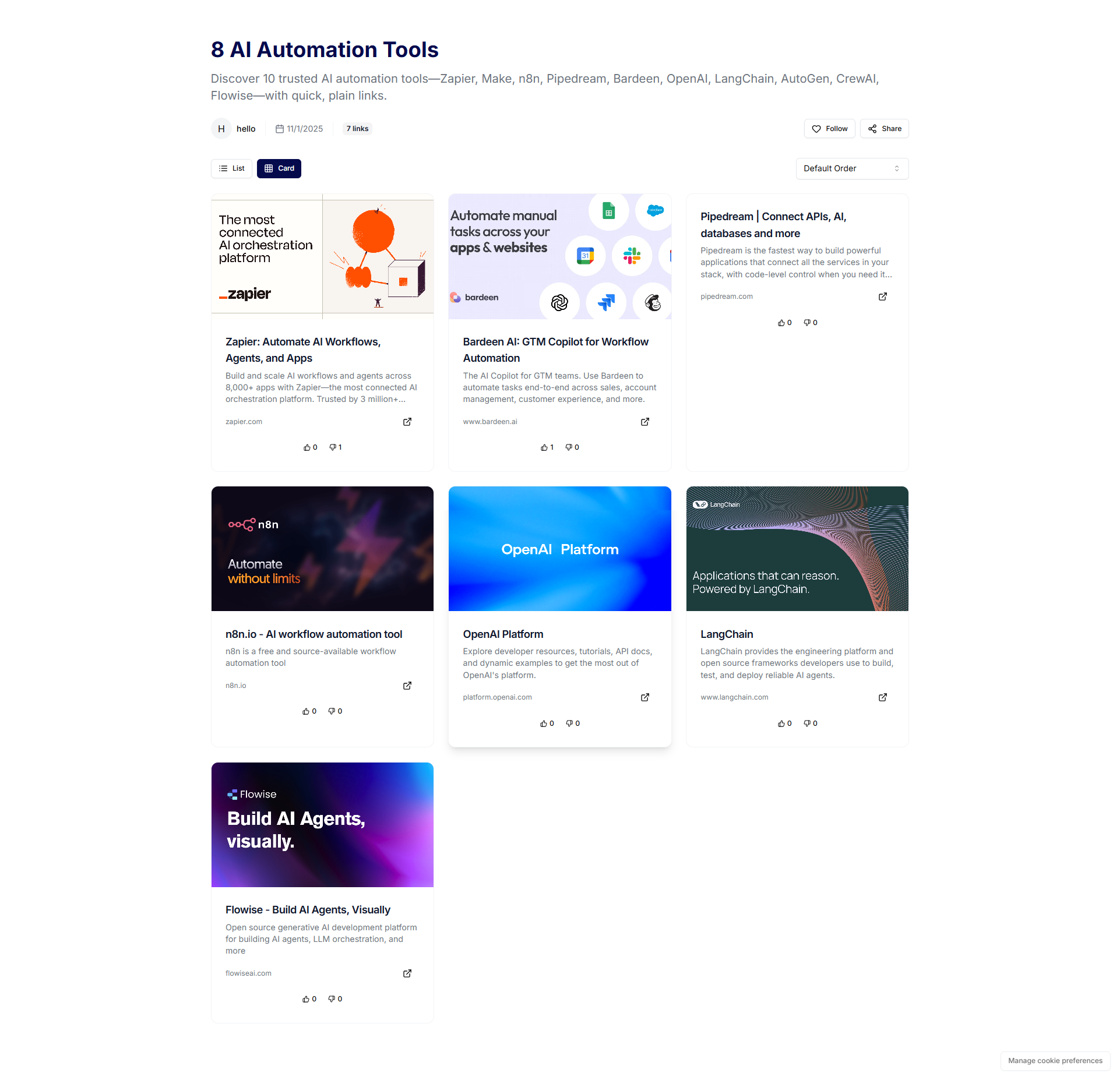
Unlimited collections, not just one bio page. Beacons gives you up to 5 link-in-bio pages on free, more on paid. Shelfy gives you unlimited collections on free. If you run multiple projects, multiple seasonal campaigns, or distinct audiences, that ceiling matters.
Free custom domains, permanently. Beacons' Creator plan ($10/month) includes custom domains free for the first year, then it's a paid feature. Shelfy's custom domains are free forever, free plan included.
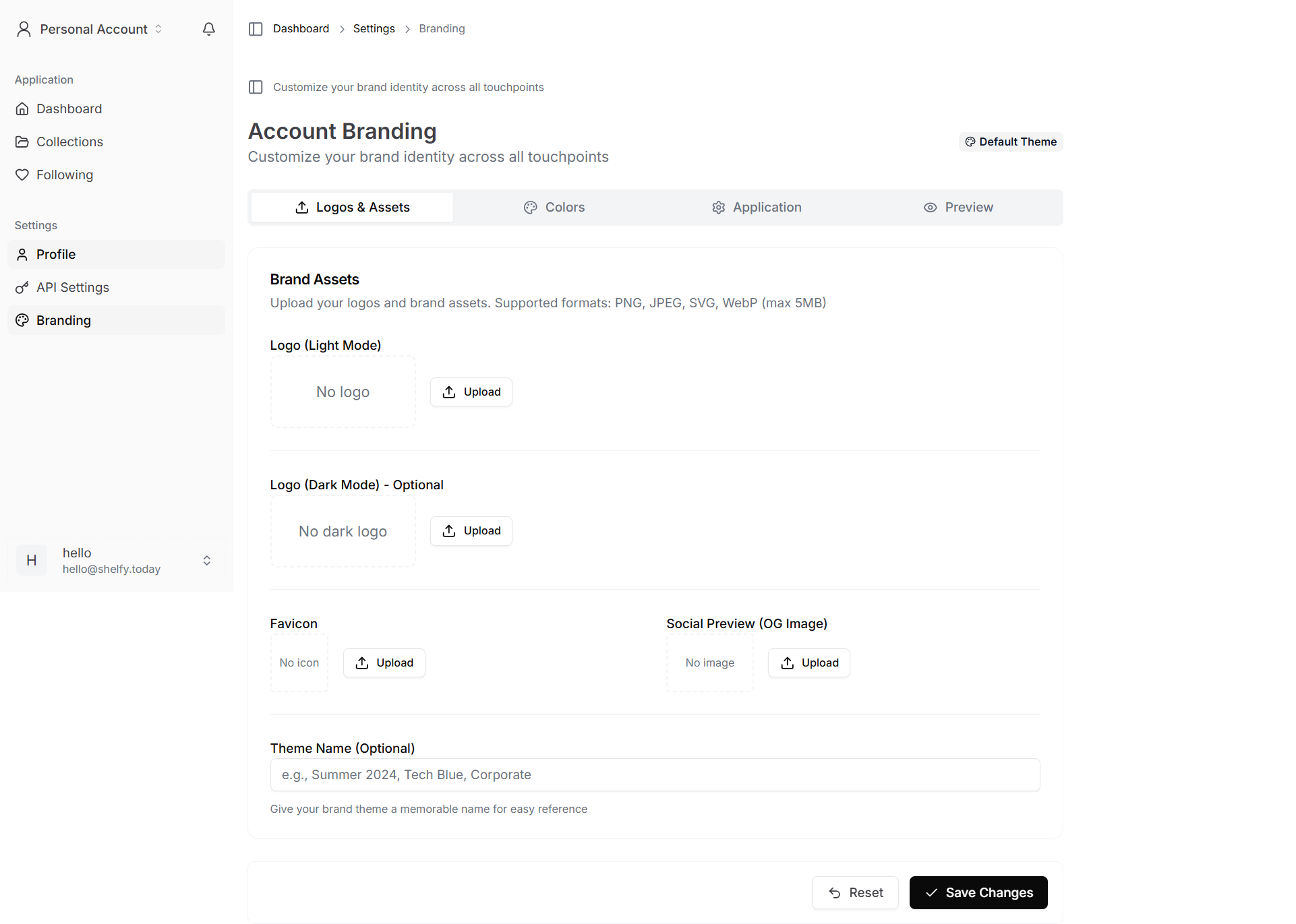
Chrome extension for tab-saving. This is a use case Beacons doesn't address at all. Click the extension, save every open tab into a Shelfy collection, close all your tabs, find them again later - organized and searchable. For creators who research-as-they-go, it eliminates the bookmark graveyard problem.
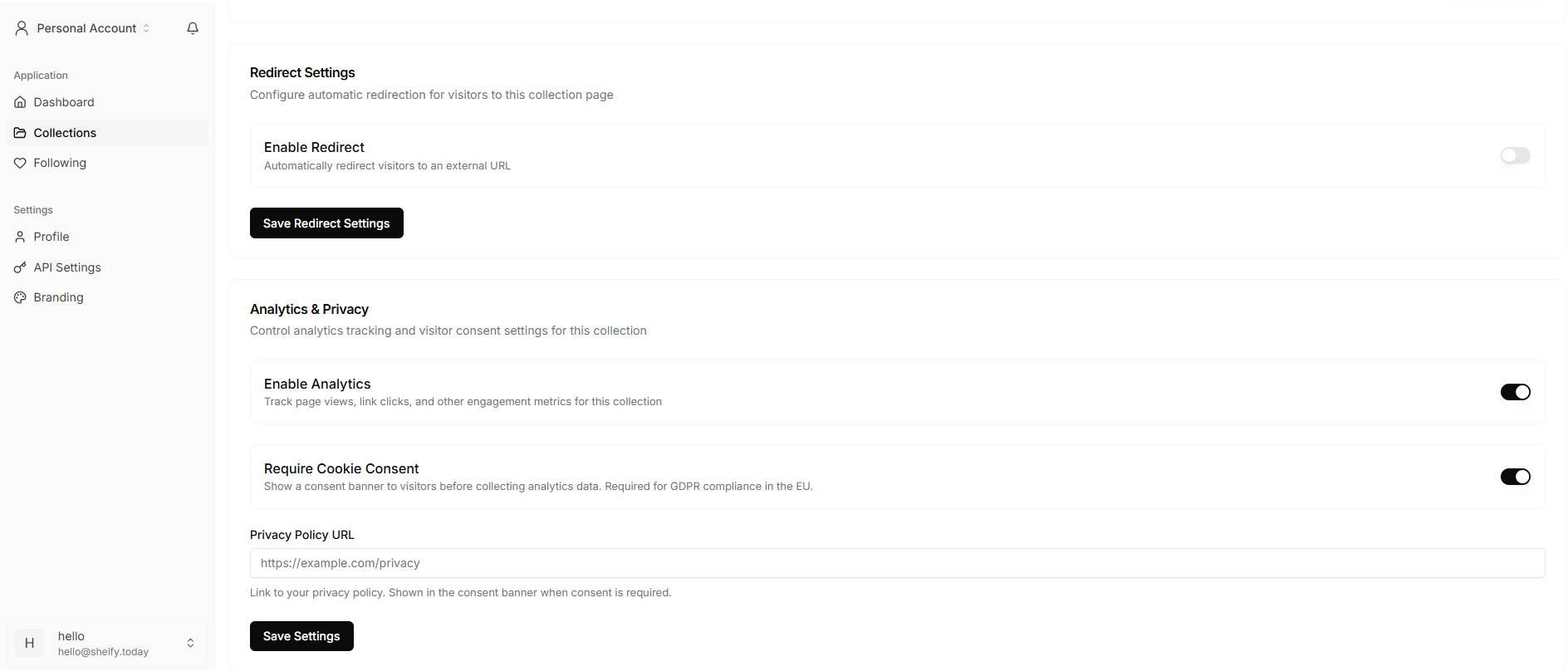
Collection redirects. Turn any Shelfy collection into a smart redirect URL. Share yourdomain.com/latest-launch everywhere, then update the destination anytime without changing the public URL. Useful for seasonal campaigns, "current project" links, and dynamic landing pages. Beacons doesn't have an equivalent.
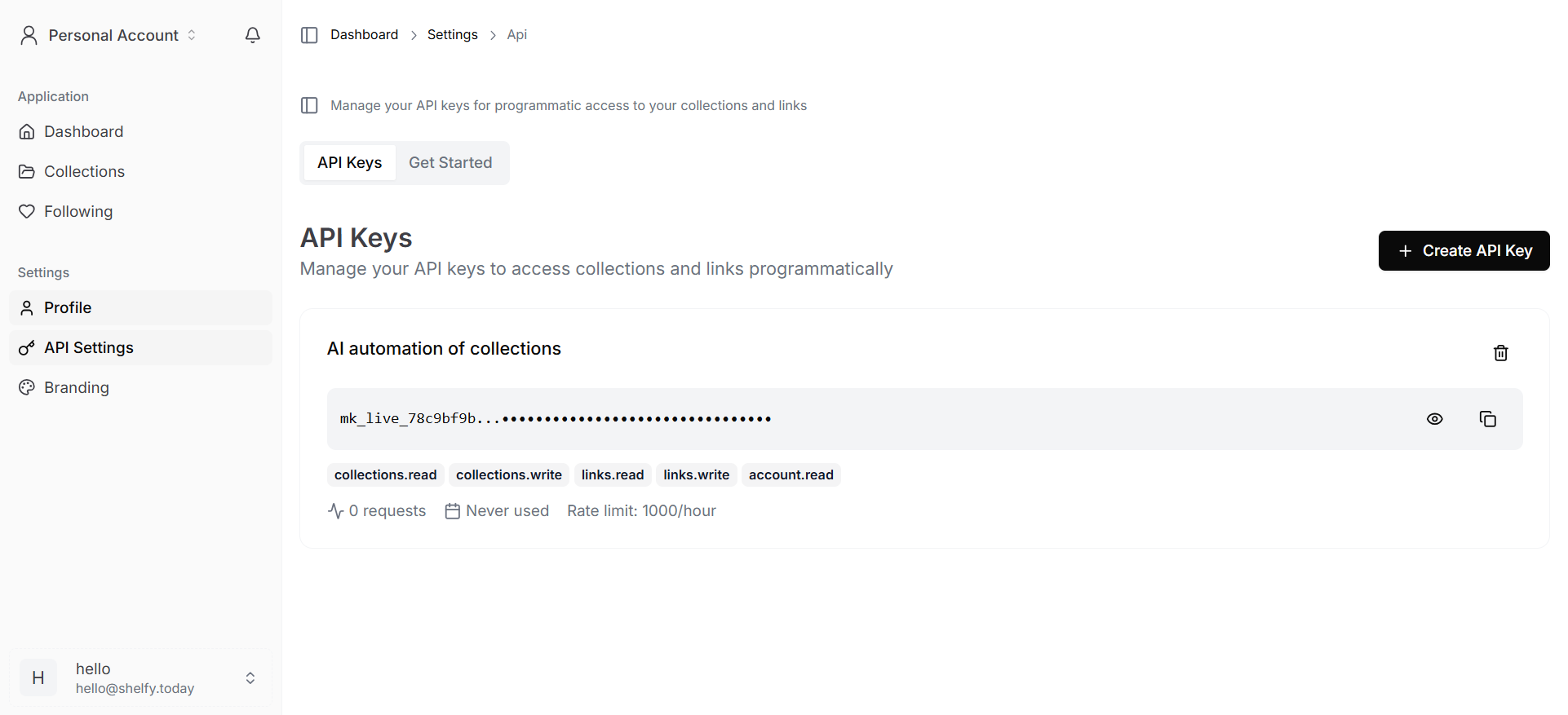
A real REST API. Shelfy's API allows 1,000 requests/hour with bulk import for entire collections in a single call. If you sync from a CMS, run automation, or integrate with Zapier/Make, this is the difference between possible and impossible. Beacons' free and lower-tier plans don't expose comparable API access.
Follow + notify on public collections. Visitors can follow a Shelfy collection and get notified when you add new links. For curators publishing weekly updates, this turns one-time visitors into repeat audience without an email opt-in.

Side-by-side comparison
| Feature | Shelfy (Free) | Beacons (Free) | Beacons Creator ($10/mo) | Beacons Creator Plus ($30/mo) |
|---|---|---|---|---|
| Cost | $0 forever | $0 | $10/month or $100/year | $30/month or $300/year |
| Link-in-bio pages | Unlimited collections | 5 pages | 5+ pages | 5+ pages |
| Custom domain | Free forever | Not included | Free 1st year, paid after | Included |
| Transaction fee on sales | N/A (no storefront) | 9% | 9% | 0% |
| Email sends/month | N/A | 50 | 500 | Unlimited |
| Storefront / digital products | No | Yes (with 9% fee) | Yes (with 9% fee) | Yes (0% fee) |
| Memberships & courses | No | No | No | Yes |
| Community voting | Yes | No | No | No |
| Chrome tab-saving extension | Yes | No | No | No |
| Collection redirects | Yes | No | No | No |
| REST API (1,000 req/hr) | Yes, with bulk import | Limited | Limited | Limited |
| Team collaboration | Yes | Limited | Limited | Limited |
| Analytics | Yes | Yes | Advanced | Advanced |
| Follow / notify visitors | Yes | No | No | No |
| Remove platform branding | Yes (free) | No | No | Yes |
| AI tools | No | Limited | Yes | Yes |
| Media kit for brand deals | No | Yes | Yes | Yes |
A few notes on this table since marketing pages tend to flatter the source:
- "Limited API" for Beacons reflects what's documented publicly; specific creators may have more access via partnerships or higher tiers.
- "5 pages" for Beacons reflects the published Free Plan limit as of late 2025. Verify against Beacons' current pricing page before publishing - they update tiers periodically.
- Both platforms include analytics, but Beacons' analytics are deeper because more is happening on the page (sales, email engagement, etc.).
The pricing reality
The headline says Beacons starts at $0. That's true. The footnote says transaction fees apply.
If you sell a $100 digital product on Beacons' Free plan, Beacons keeps $9 in transaction fees. Add Stripe's processing fee (about 2.9% + $0.30) and you're paying close to 12% on every sale. To get to 0% transaction fees, you need Creator Plus at $30/month - which is fair value if you're selling consistently, but it's not "free."
Shelfy doesn't have transaction fees because it doesn't have a storefront. There's nothing to take a fee on. The free plan is the product.
This isn't a knock on Beacons - their pricing is transparent and the math works for high-volume sellers. But the comparison "free vs. free" ignores how each tool actually makes money and where you'll end up paying.
The honest framing: Beacons is free until you start selling. Shelfy is free forever because it doesn't sell anything for you.
Use-case verdicts
"I'm a podcaster who wants a polished episode hub"
Probably Shelfy. Episodes, guests, sponsors, transcripts - these are link collections, not products to sell. Shelfy organizes them with categories and tags. If you also sell a paid newsletter or course alongside, Beacons makes more sense.
"I'm a course creator selling a paid product"
Beacons Creator Plus ($30/mo). This is exactly what Beacons is built for. Memberships, courses, BNPL, order bumps, branded URLs - the whole stack.
"I'm a newsletter operator with a free Substack"
Probably Shelfy. Curated link collections from your latest issues, with voting so subscribers can tell you which links resonated. Then a single CTA back to Substack to subscribe.
"I sell digital templates and presets"
Beacons. Same logic as the course creator - Beacons handles the commerce stack.
"I'm a curator (recommendations, tools, design assets, etc.)"
Shelfy, clearly. Voting, follow-and-notify, unlimited collections - this is the use case that has no equivalent on Beacons.
"I'm a TikTok / Instagram creator who's still figuring out monetization"
Either, depending on direction. If you'll eventually sell digital products, start on Beacons free and grow into a paid tier. If you'll eventually monetize through brand deals and curation-driven audience growth, start on Shelfy free.
"I'm an affiliate marketer organizing links by category"
Shelfy. Categories, tags, voting (audiences will tell you which affiliates resonate), and analytics - without paying for a storefront you don't use.
"I run a small agency or have a team"
Shelfy for shared collections (team collaboration is on the free plan). Beacons Creator Max ($90/mo) if you also need white-glove support and multi-creator management. Different problems.
"I just want a Linktree replacement that doesn't look like Linktree"
Shelfy. Beacons works too, but you'll pay $10/month for features you don't need. Shelfy's free tier is genuinely the product.
Switching from one to the other
If you're already on Beacons and considering Shelfy, the migration is straightforward for the link-in-bio side:
- Export your existing link-in-bio data (Beacons has export options in your account settings).
- Create a Shelfy collection and either paste links manually or use the bulk import API if you have many.
- Set up a custom domain on Shelfy (free) so you don't lose any inbound link equity.
- Update your social bio links to the new URL.
- If you sell digital products on Beacons, don't migrate that - Shelfy doesn't replace the storefront. Keep Beacons (or another commerce tool) for the storefront layer.
The reverse migration - Shelfy to Beacons - only makes sense if you've decided to start selling digital products and want the integrated commerce stack. The link-in-bio export is the easy part; rebuilding voting-based curation in Beacons isn't possible because Beacons doesn't have it.
What this comparison didn't cover
A few honest limits on this analysis:
- Brand deal infrastructure. Beacons has more depth here (media kits, AI brand outreach). If brand deals are your business, dig deeper into those features specifically before deciding.
- Long-term roadmaps. Both platforms ship updates. Features available today may shift. Check current docs before committing on edge cases.
- Performance at scale. Neither platform's reliability under high traffic is something a comparison post can verify - read user reviews on Trustpilot, G2, and Reddit for current sentiment.
The real question to ask yourself
Forget feature lists for a second. The question that actually decides this is:
Does your audience buy from you, or learn from you?
If they buy from you - products, courses, memberships - you need a commerce platform with a link-in-bio attached. That's Beacons.
If they learn from you - recommendations, curation, resources, expertise - you need a curation platform with audience input. That's Shelfy.
Most creators do some of both, which is why the answer for many people is: start free on Shelfy for the audience-facing collections, and add a commerce tool when you actually have something to sell. Paying $30/month for Beacons Creator Plus before you have customers is paying for the gym membership before you've shown up to work out.
Try Shelfy free
If the curation, voting, and unlimited-collections side of this comparison sounded like your business, Shelfy is free forever - every feature, no credit card, no trial expiration.
Create your first collection in 60 seconds →
If you're still deciding, the link-in-bio guide for podcasters and the Shelfy vs Raindrop comparison might help - different use cases, different verdicts.
Last reviewed: May 2026. Beacons updates pricing and features regularly. Verify current details on Beacons' pricing page before making a final decision.